Signfile

Open the file, place your signature, save or share the signed copy.

PDFs, images, Word documents and PowerPoint presentations. Processed locally on your device.

A small Android utility for the document you need signed now.

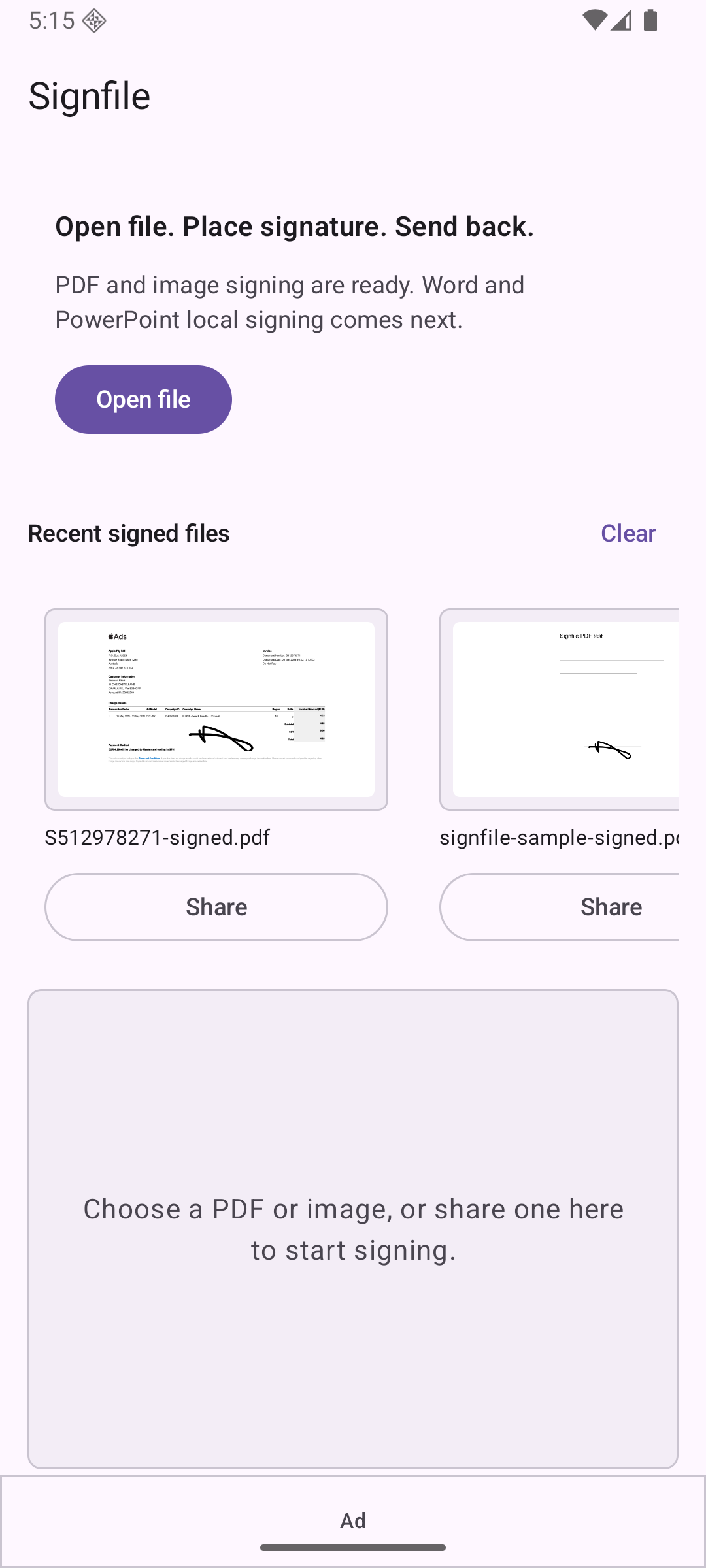
Open common files

Start from Signfile, Android share, or Open with. PDF and image signing are the first focus.

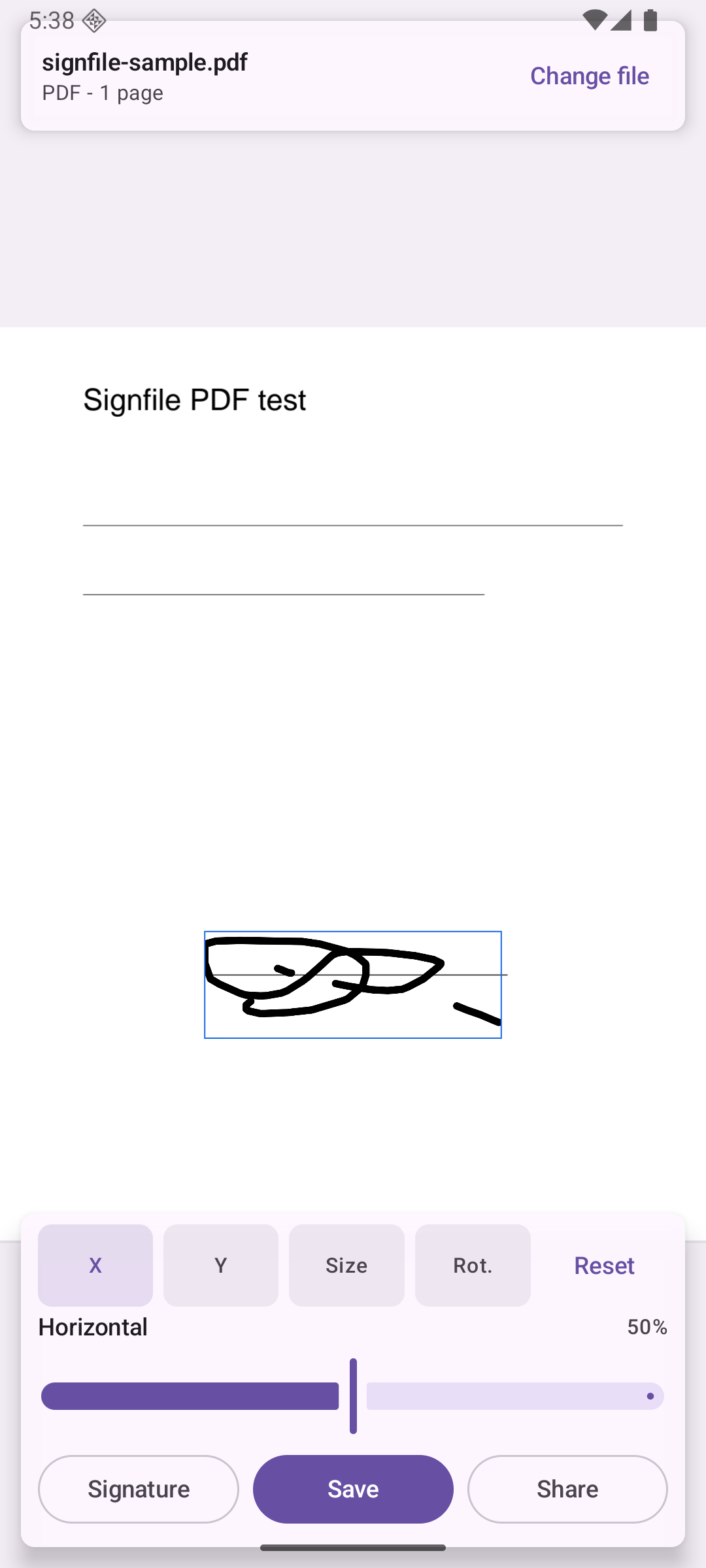
Place with control

Draw with finger or stylus, then move, resize and rotate the signature before saving.

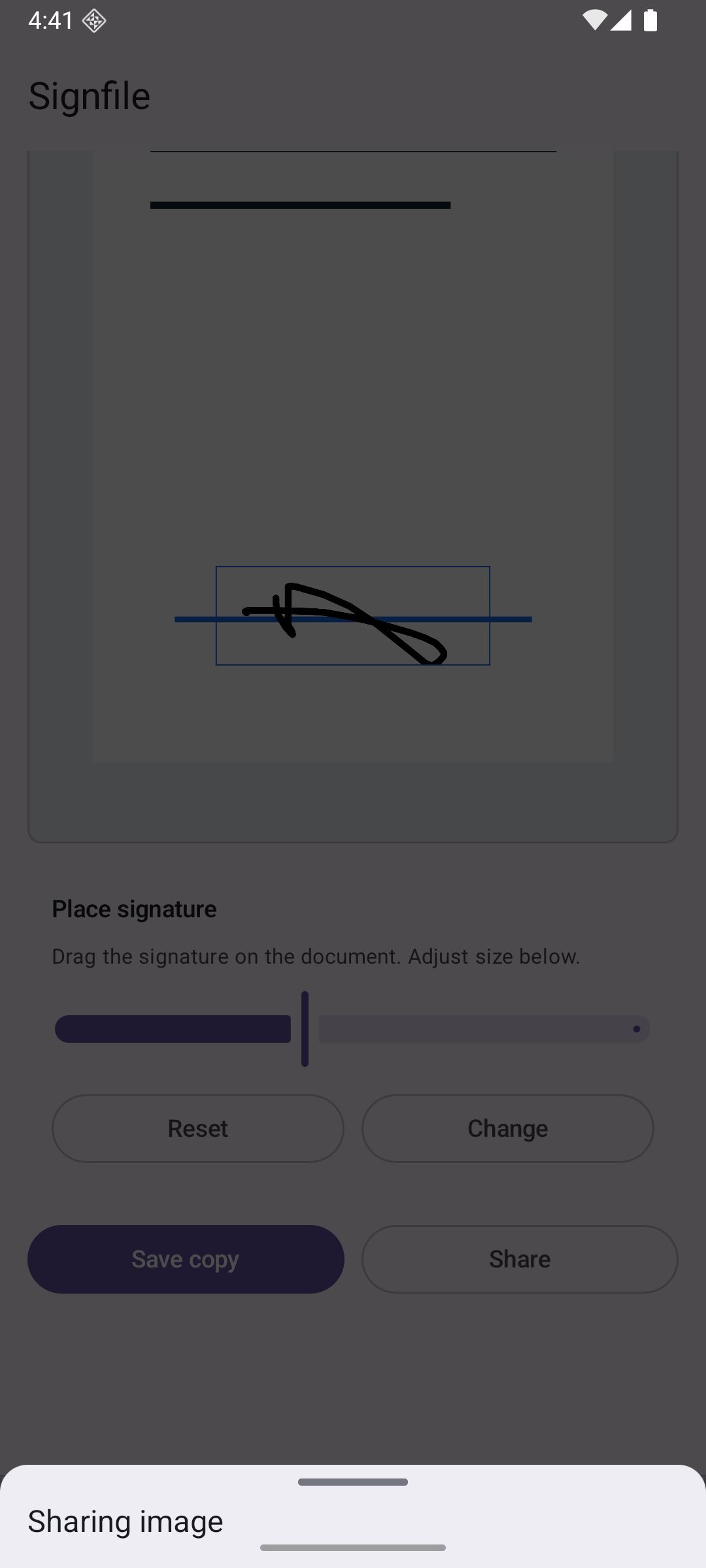
Save or share back

Create a signed copy and send it through the Android share sheet without making an account.
The product is the flow.

Signfile home screen with open file and saved signature actions
Open a file or reuse a saved signature.
Signature placement screen showing a document and adjustment controls
Place the mark precisely on the document.
Android share sheet after exporting a signed file
Save or share the signed copy.

Built for private files, not cloud conversion.

  • Documents and saved signatures are processed locally on the device.
  • No account is required for the core signing flow.
  • The free app may show ads outside sensitive signing and export moments.
  • Signfile adds a visible handwritten mark. It is not a certified digital signature product.